In Verso the Package Slips are the way to manage outgoing goods. See them as an extension of your order system. The Package slips creates the work order for the warehouse personel. They know what to ship and where to.
Package slips can be created in two separate ways:
1. Manual
2. Automated synced from Shopify (legacy app only)
Package slips
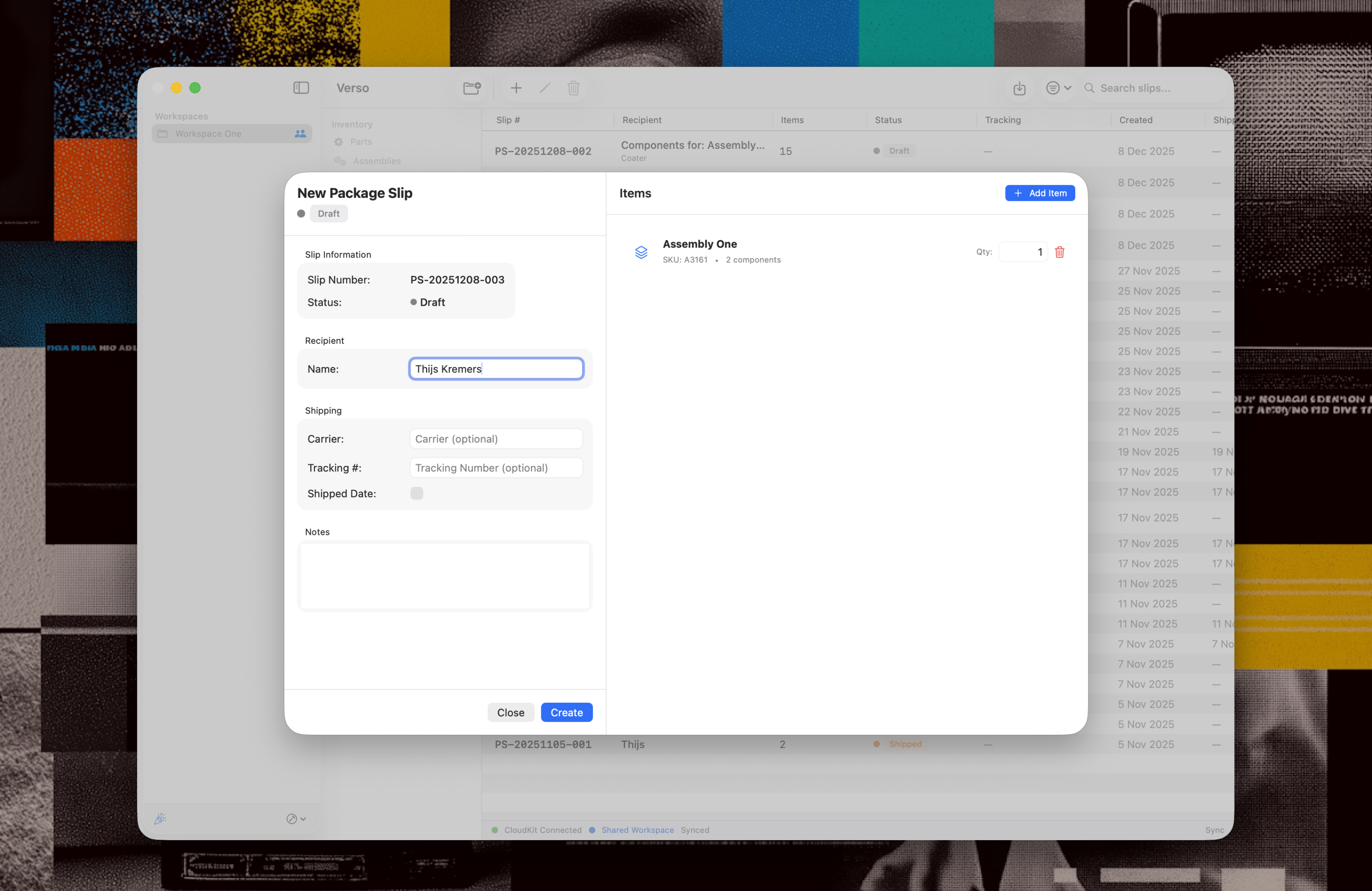
Clicking the "+" button in the Package Slip overview will open up a new empty Package Slip sheet. A package slip unique number is created and a name of the receiver is required to create the package slip.
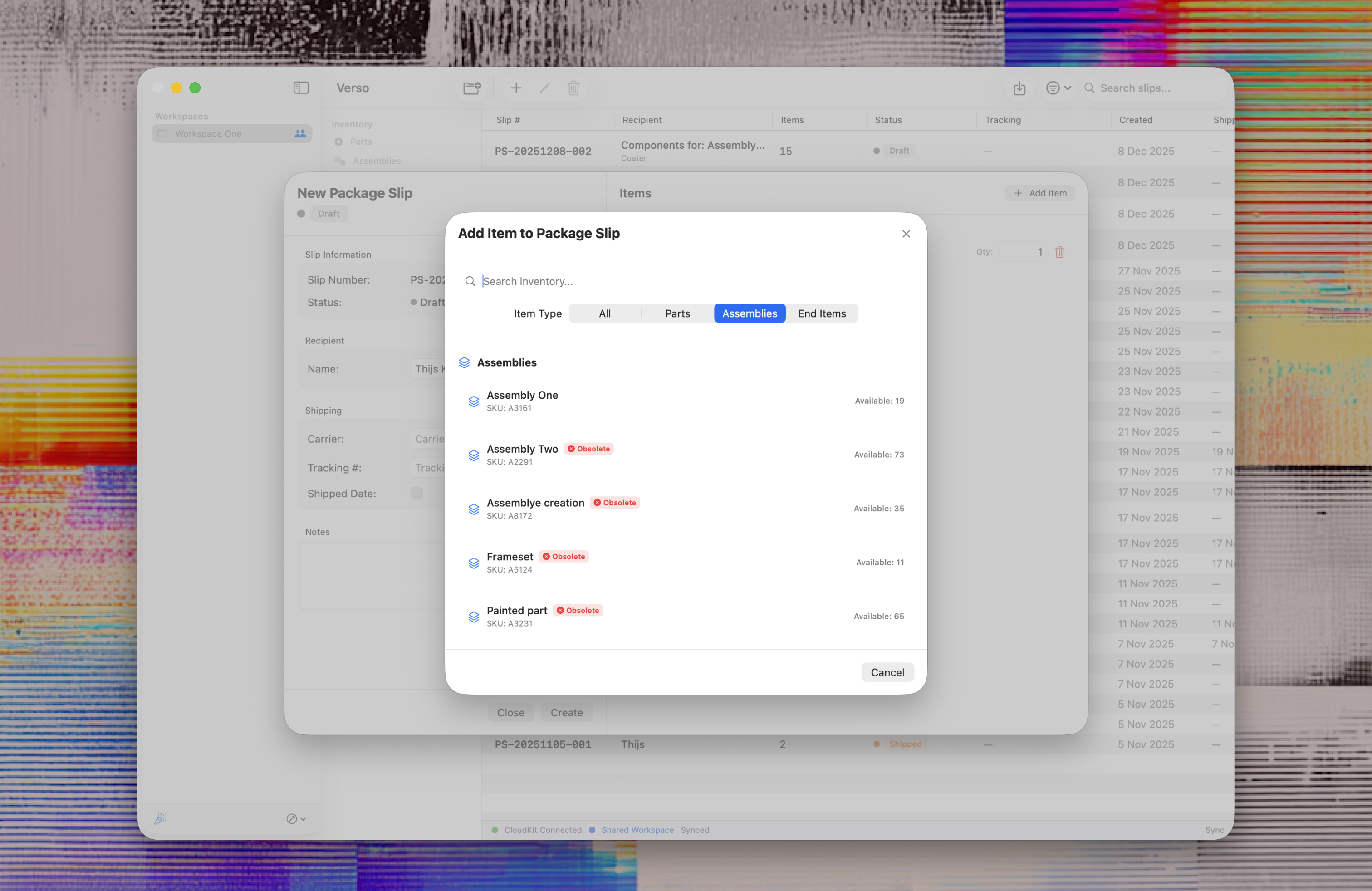
In the top right corner clicking the "+ Add items" button will open up a window to add items to the package slip. In the left column you are also able to add track and trace code and the carrier that are also represented in the exports.
The package slip have an automatic workflow built in. The package slip will follow these steps;
1. Draft, initial creation of the package slip
2. Ready to ship, for you or your colleagues to check (if necessary), items are subtracted from the inventory.
3. Shipped, package has left your warehouse, possibility to export the package slip to PDF or CSV.
4. Delivered, if you have a tracking system in place you can assign the status to be sure they have arrived.