Besides creating a digital representation of your physical inventory, Verso managed the in- and outflow. Purchase orders is the part of Verso that handles the incoming goods.
Purchase orders
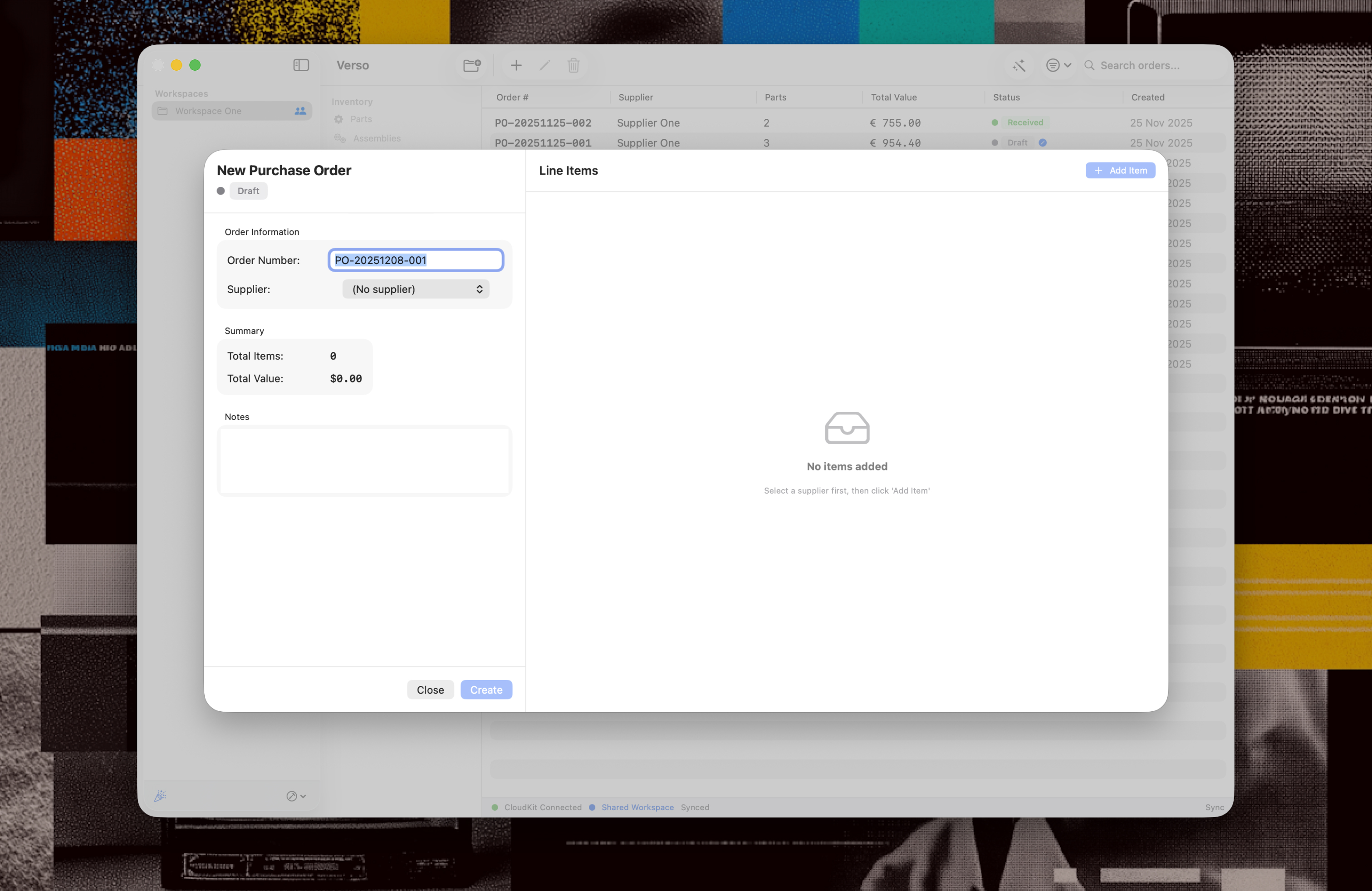
In Verso there are two ways of creating a Purchase Order.
1. Manually
2. Automatically suggested
Both ways of creating a purchase order have the same automatic workflow built in, which cuts back to the essentials. Purchase orders go through these statuses:
1. Draft, intentional mark up of the order
2. Pending, for colleague(s) to check and able to export (PDF and CSV)
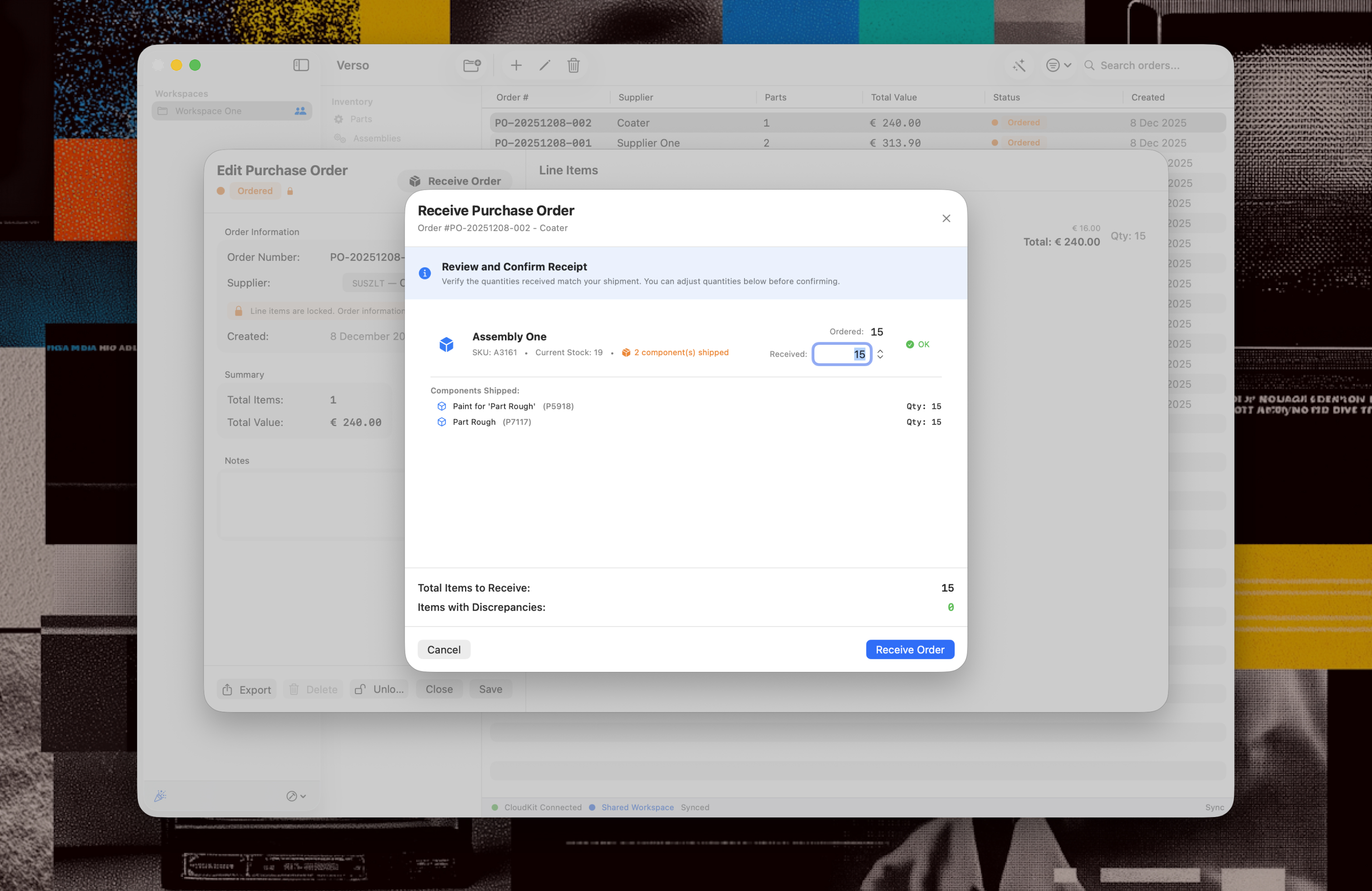
3. Ordered, when the order is shared with the supplier. Verso also suggests to create a package slip to ship out components that are part of an assembly, assuming the supplier needs them to fulfil the order.
4. Received, able to adjust the amount of items to match what is delivered with the order.