Menu
Close

Available from version 3.41
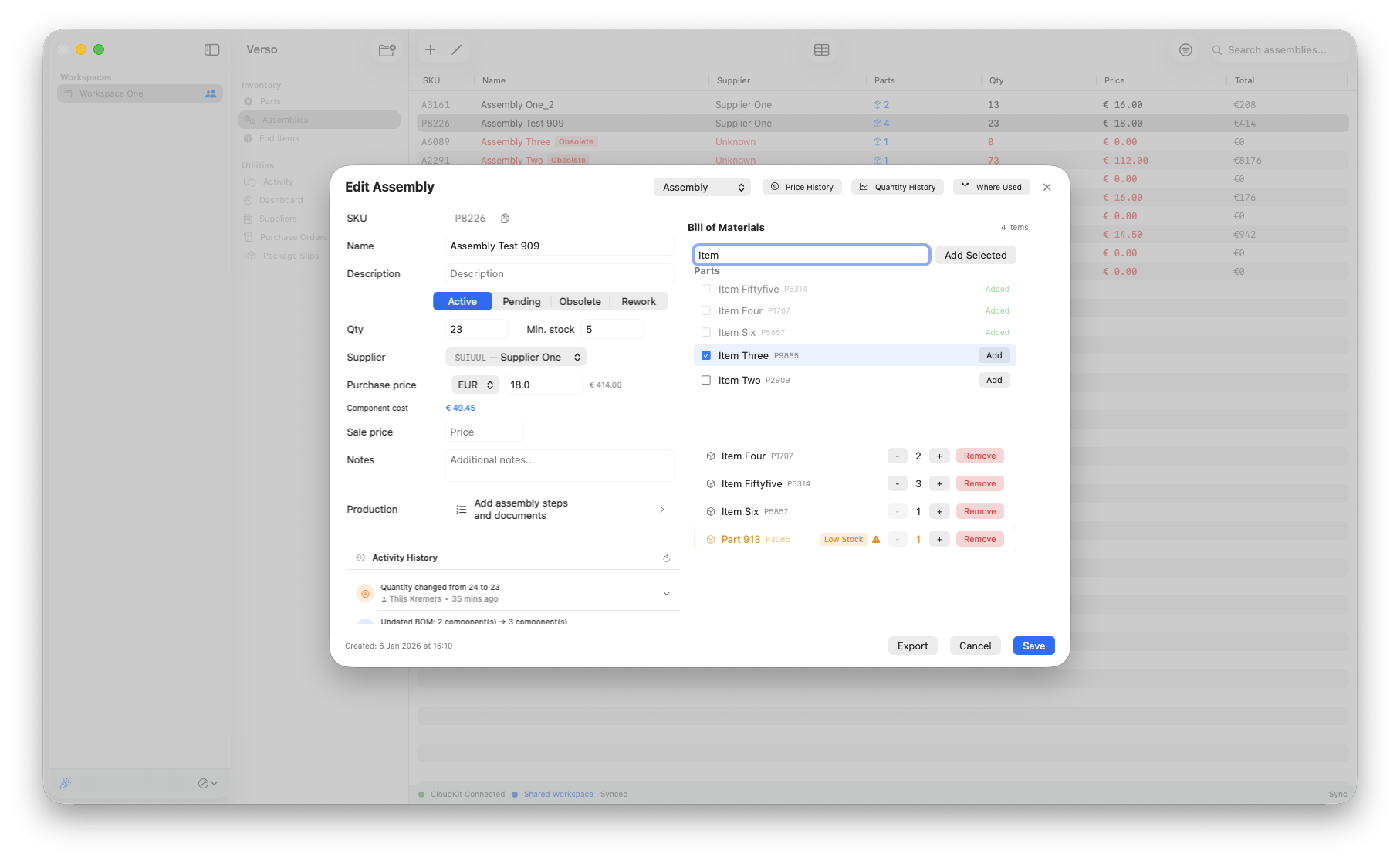
Assemblies are there to hold BOMs and make production neat and clear. Sometimes an assembly isn't up-to-date anymore. In that case you can change the BOM, however if it regards an existing assembly that can be a pain to manage. As the best practice still is to avoid BOM changes, in most cases it is standard procedure to create a new assembly. If you still have to make a rework on the assembly, we have you covered.
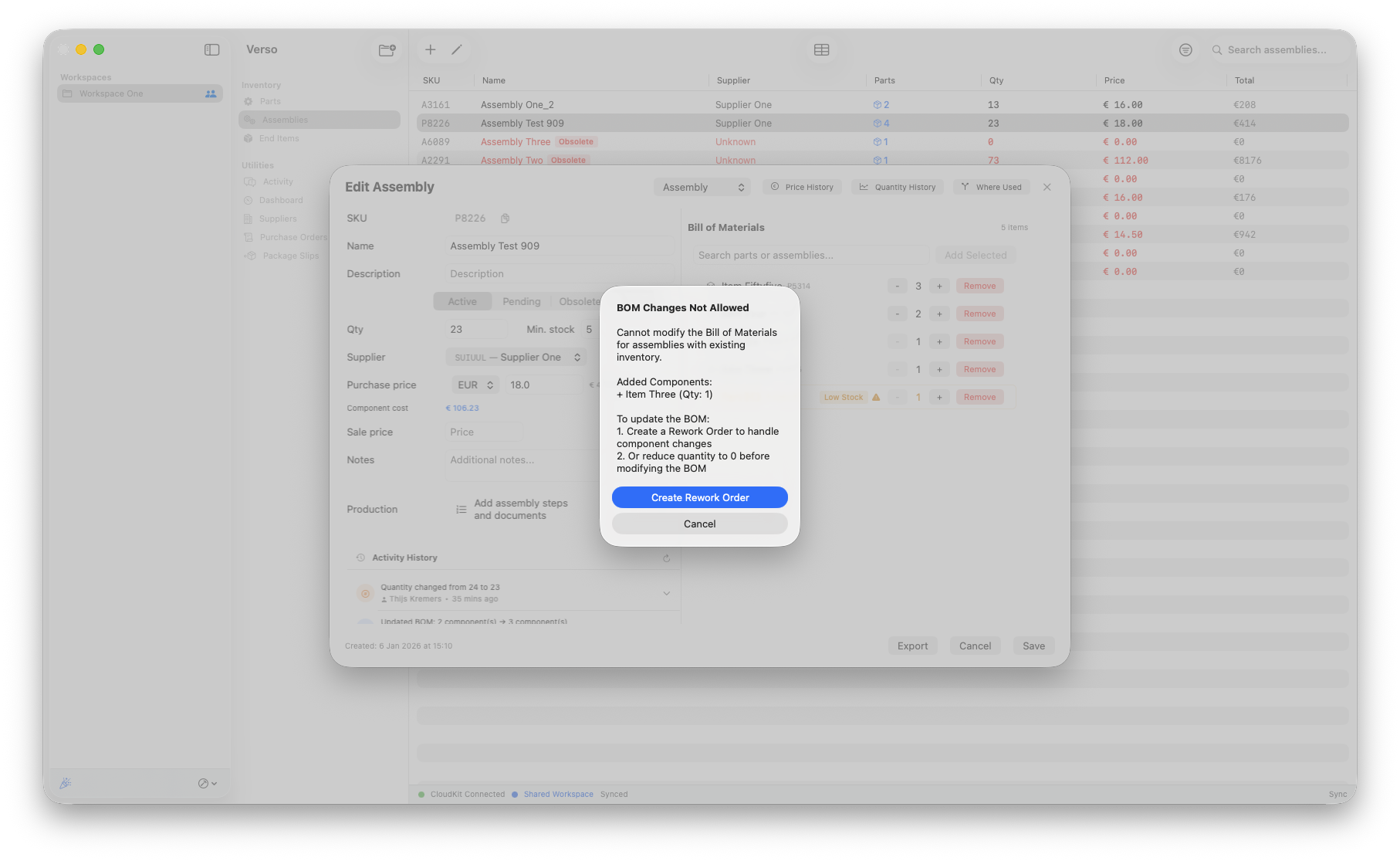
Assemblies are parts put together, with production instructions and maybe even unseparable after it. So changing a BOM, when an assembly already has a quantity in your inventory, comes with implications.
!! The best practice also to trace your assemblies better is to leave the BOM as is and create a new BOM to your new standard and create quantity in your inventory from there.
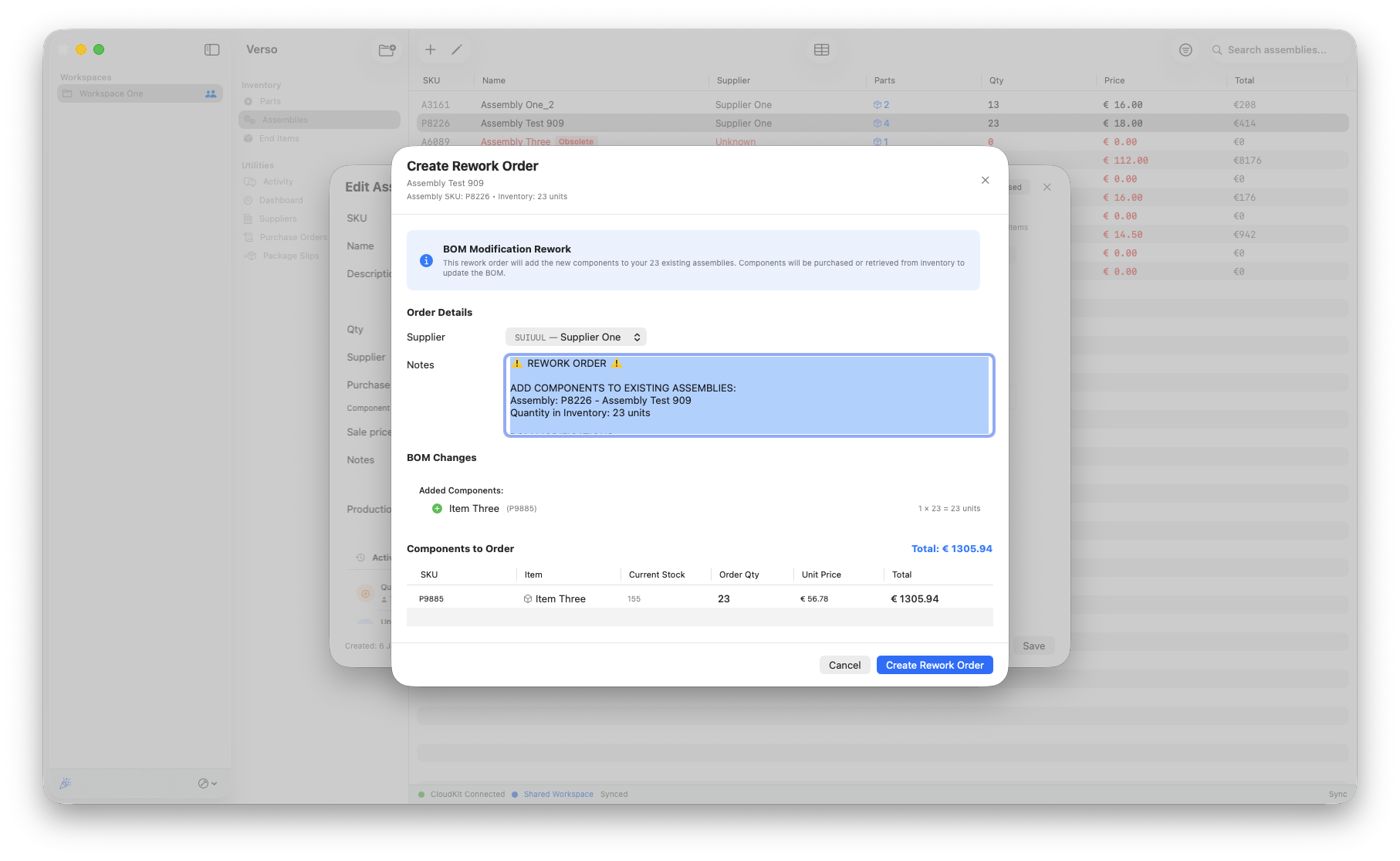
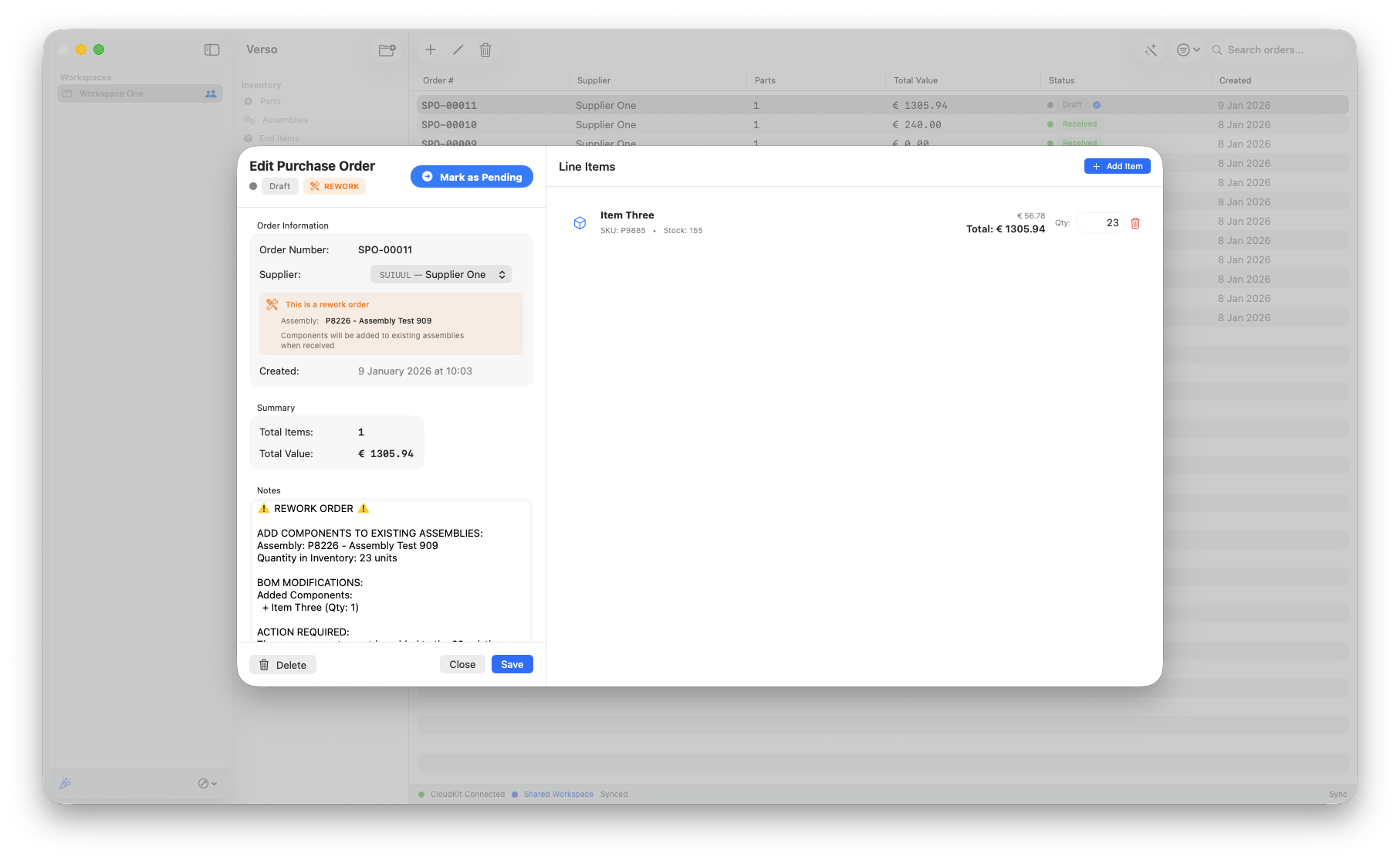
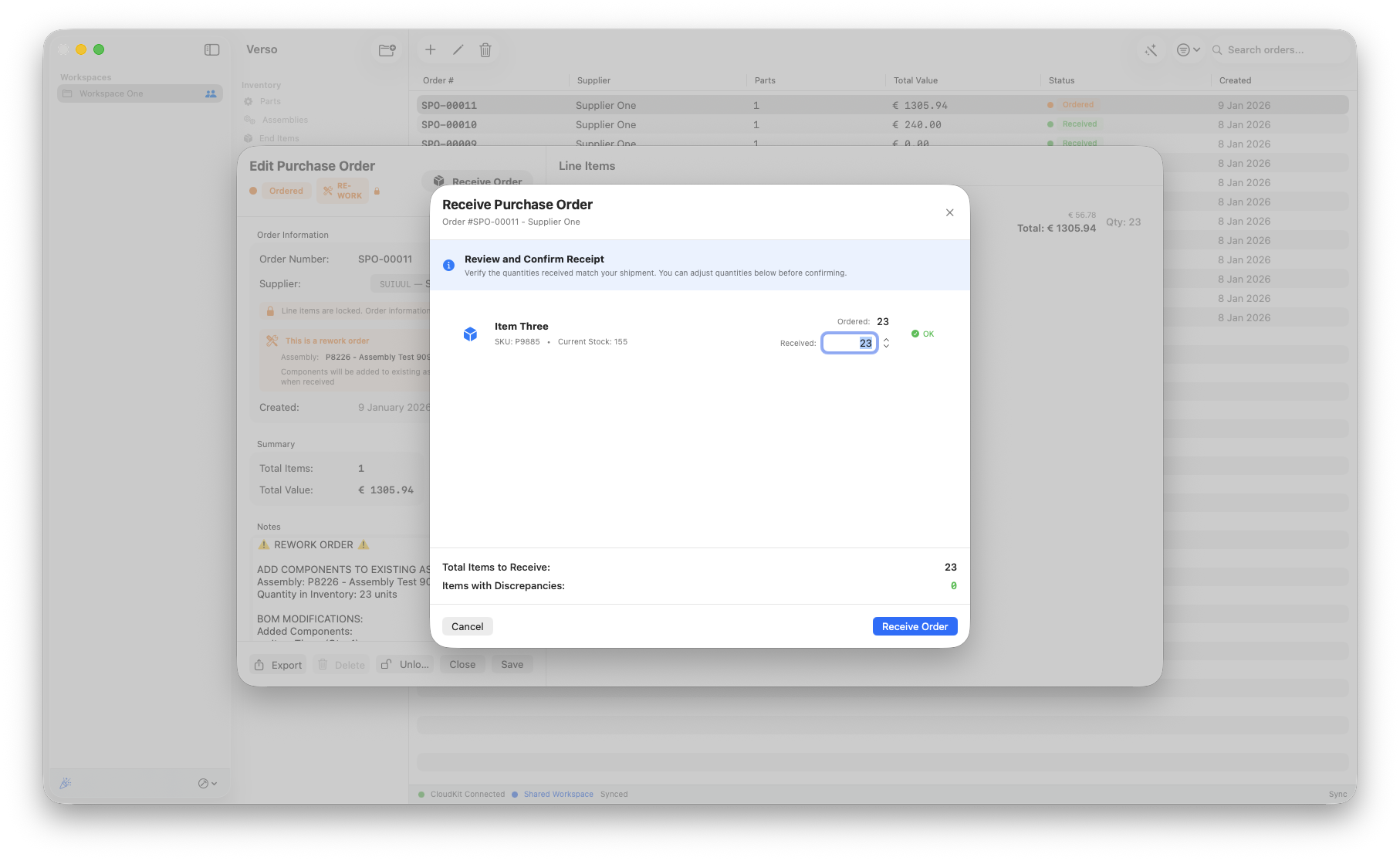
If you chose to rework existing stock We've implemented the proper steps to change your BOM properly and keep track of your inventory. This workflow only works if the part that is being added to your assembly is on stock for the proper quantities. This workflow uses the purchase order to create a rework.
The workflow for a rework is as follows:
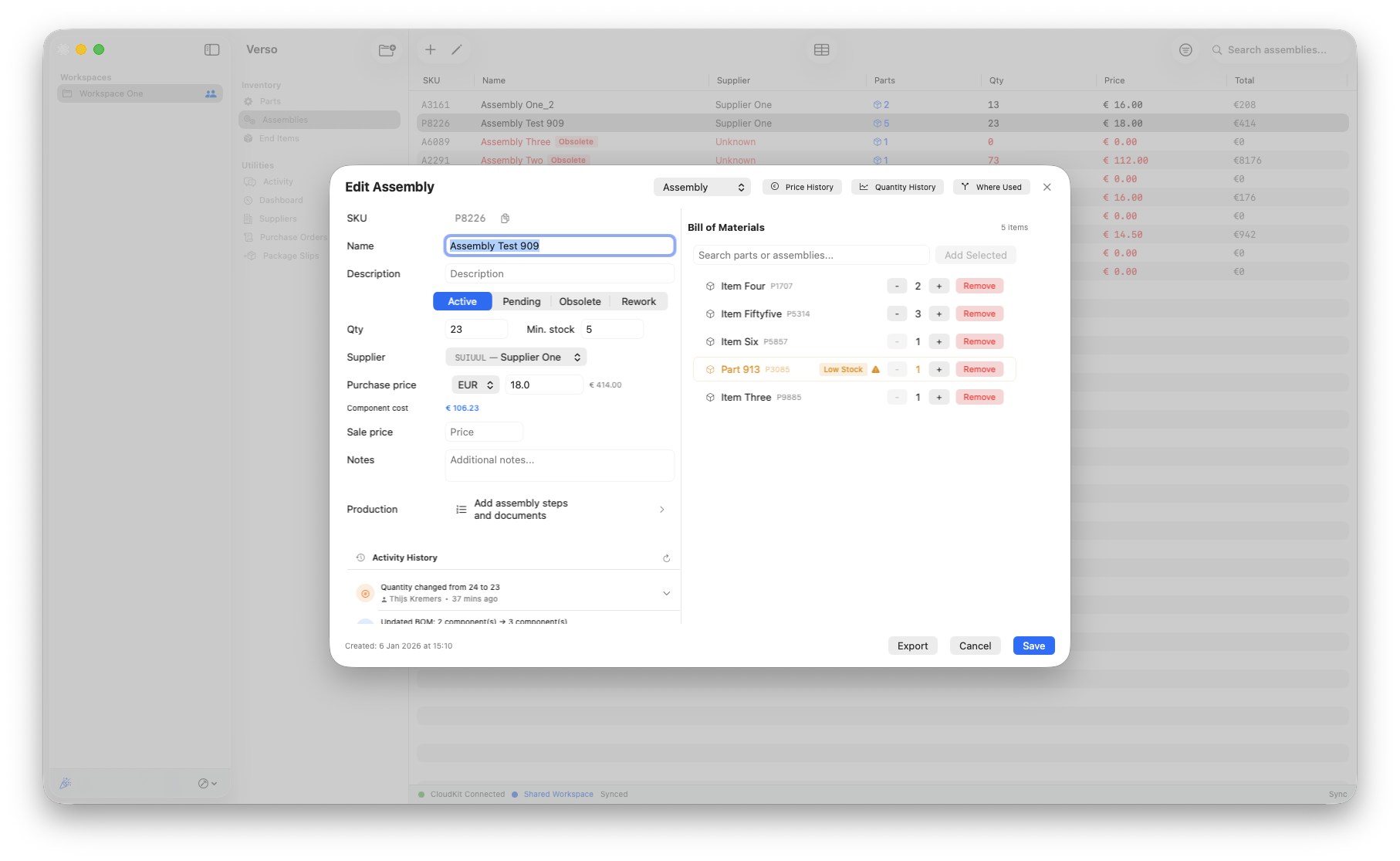
Once a rework order is created the assembly gets the automated 'Rework' status, that will be visible in the overview and in the detail view.